01
Before you begin
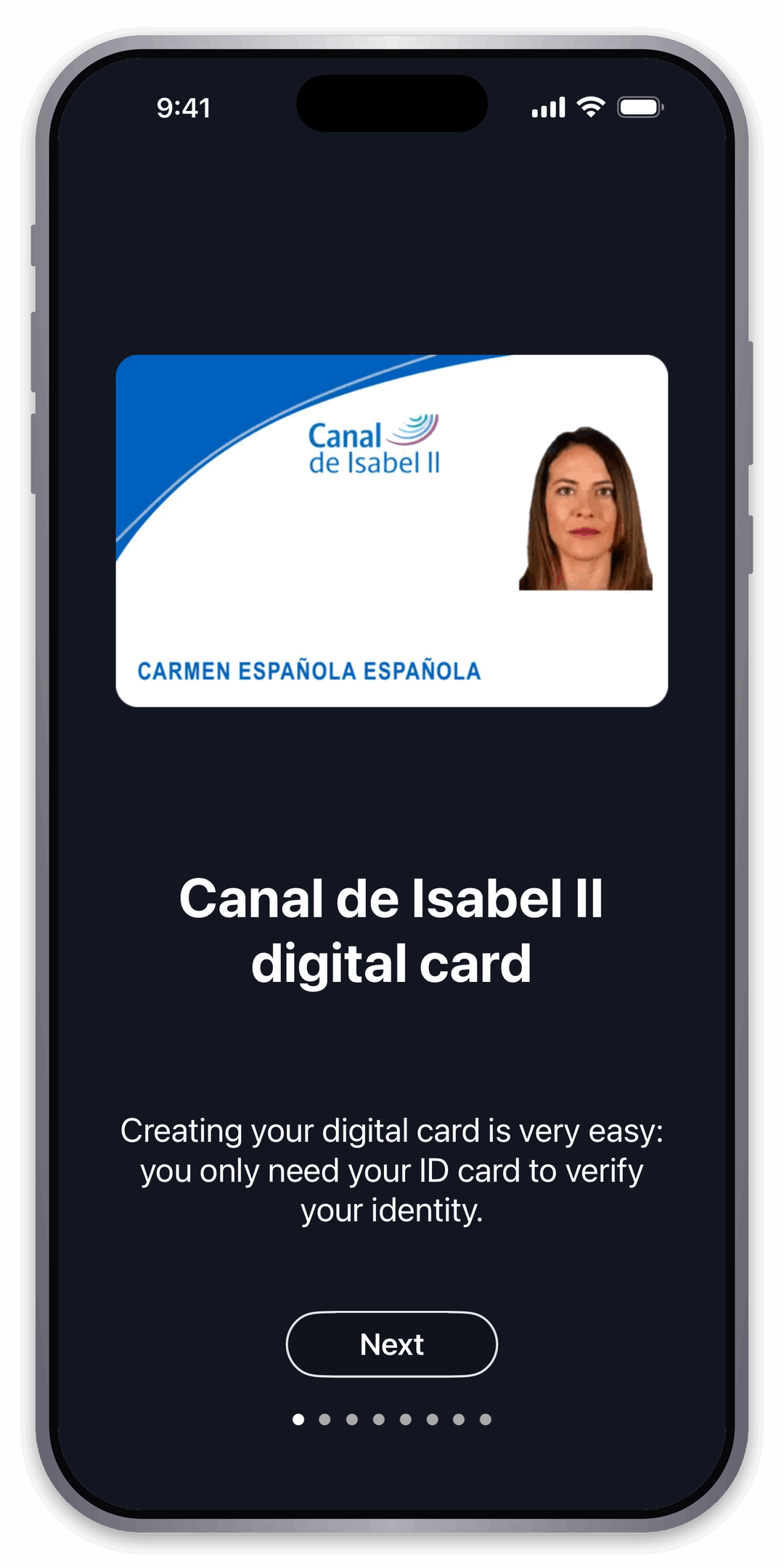
Have your Spanish electronic ID card ready. The app will guide you through identity verification.
Step-by-step guide
Follow these steps to verify your identity and create your Canal de Isabel II digital access card.
Have your Spanish electronic ID card ready. The app will guide you through identity verification.
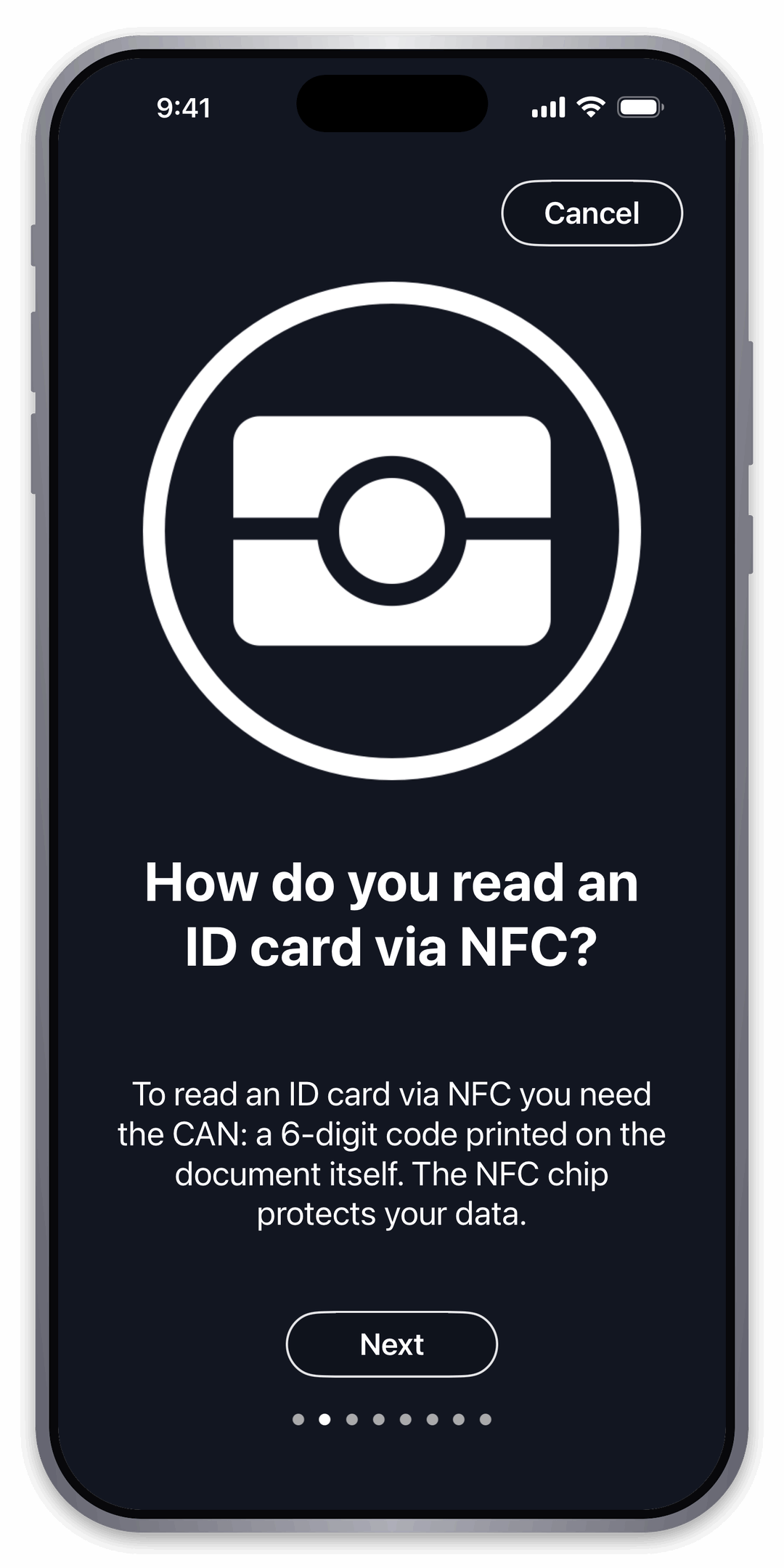
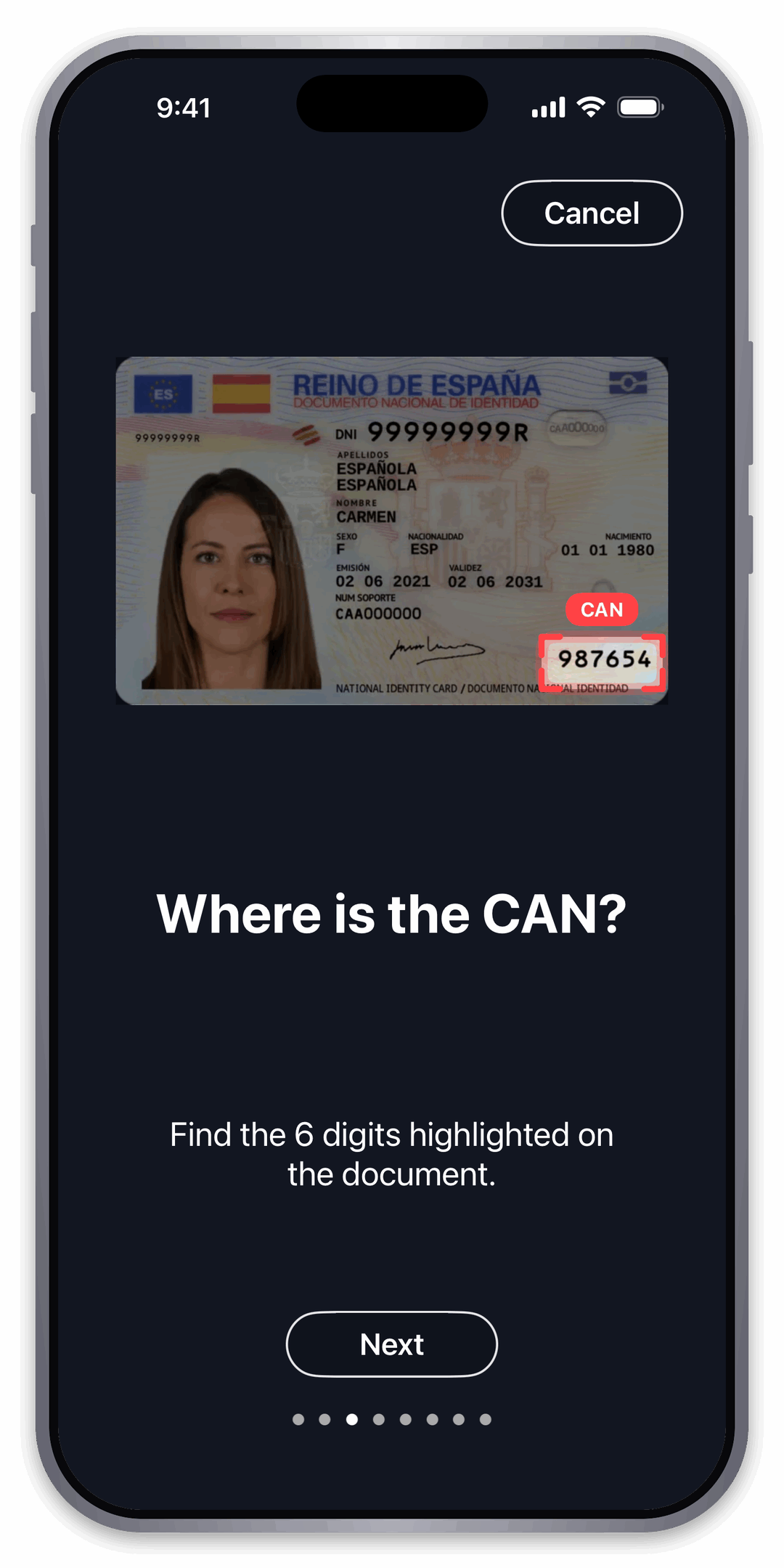
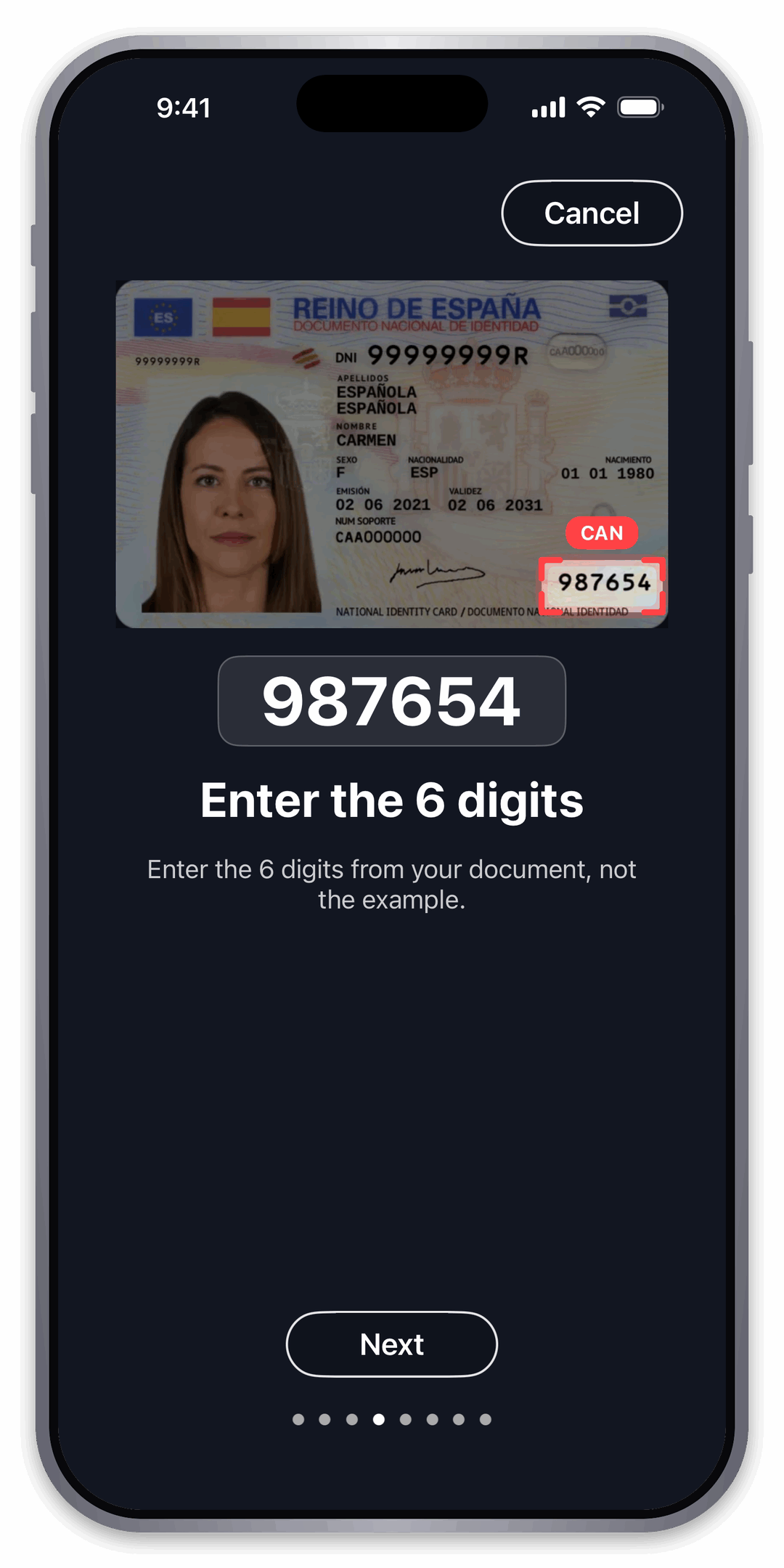
Locate the six-digit CAN printed on your identity card. You will need it to access the chip.
The app shows exactly where the CAN appears on the identity card.
Type the six digits carefully to prepare the secure NFC reading.
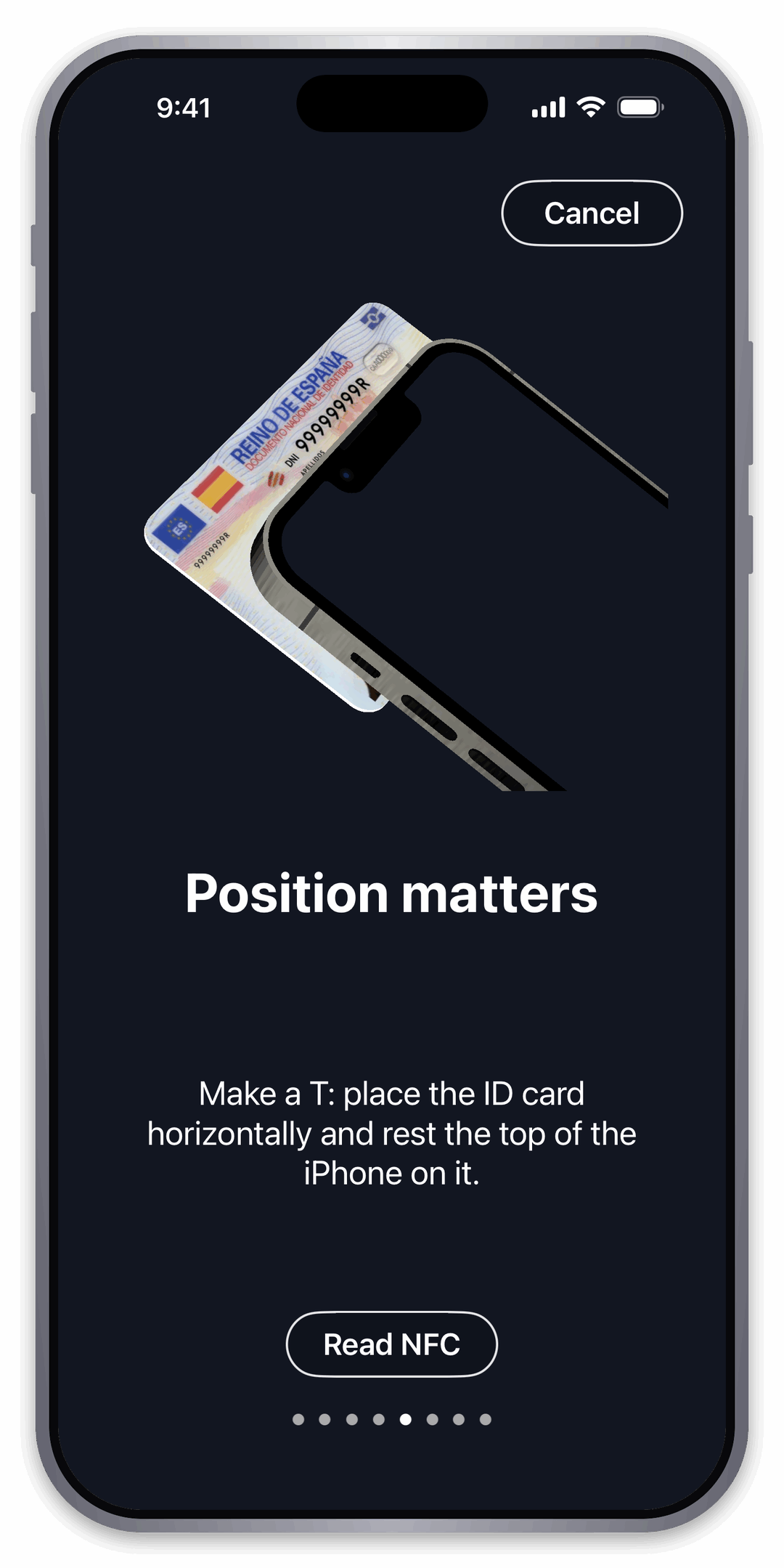
Place the identity card horizontally on the top of your iPhone, forming a T, and keep both still while it is read.
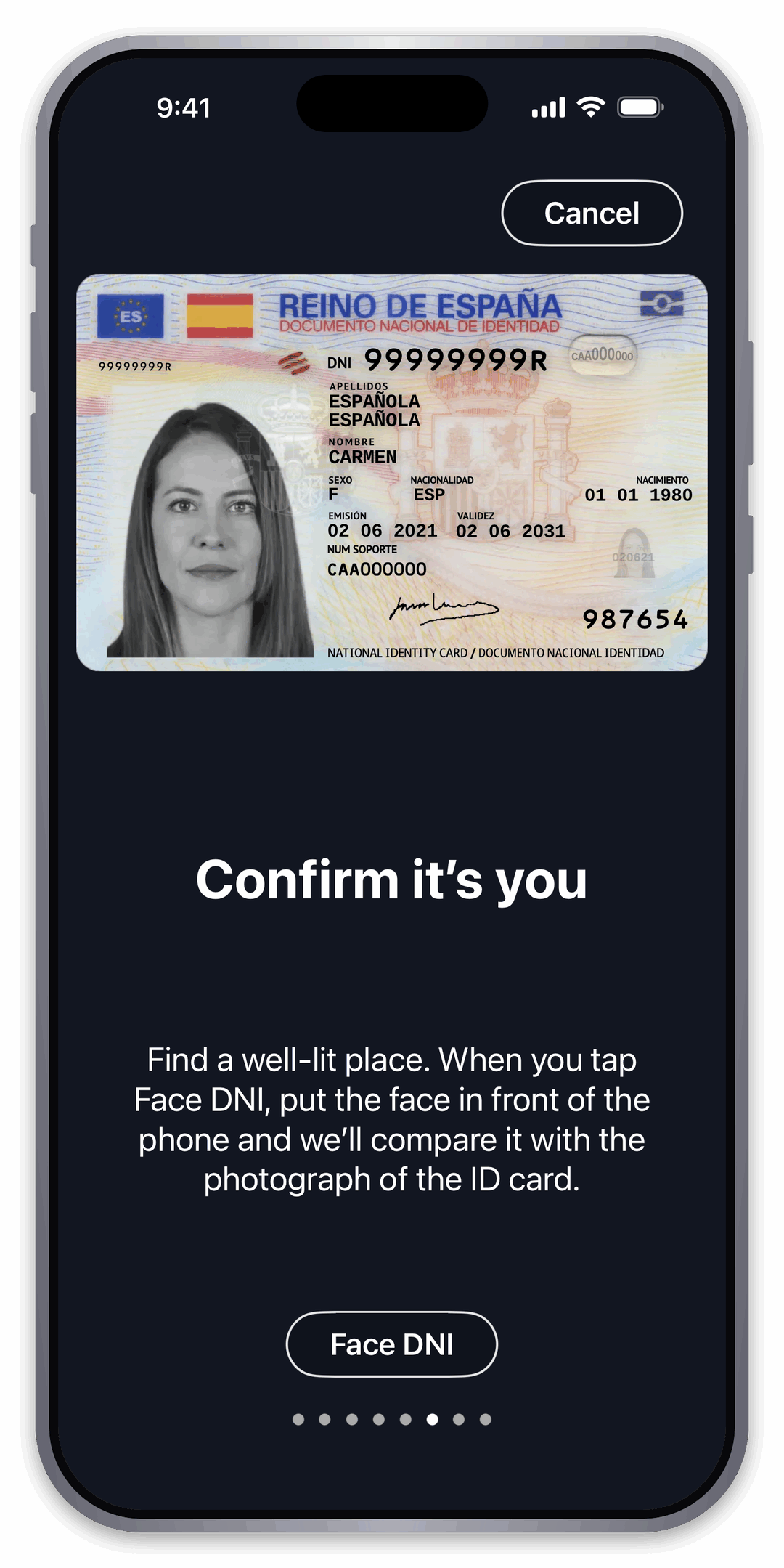
Move to a well-lit place. Face DNI compares your live face with the photo stored in the card chip.
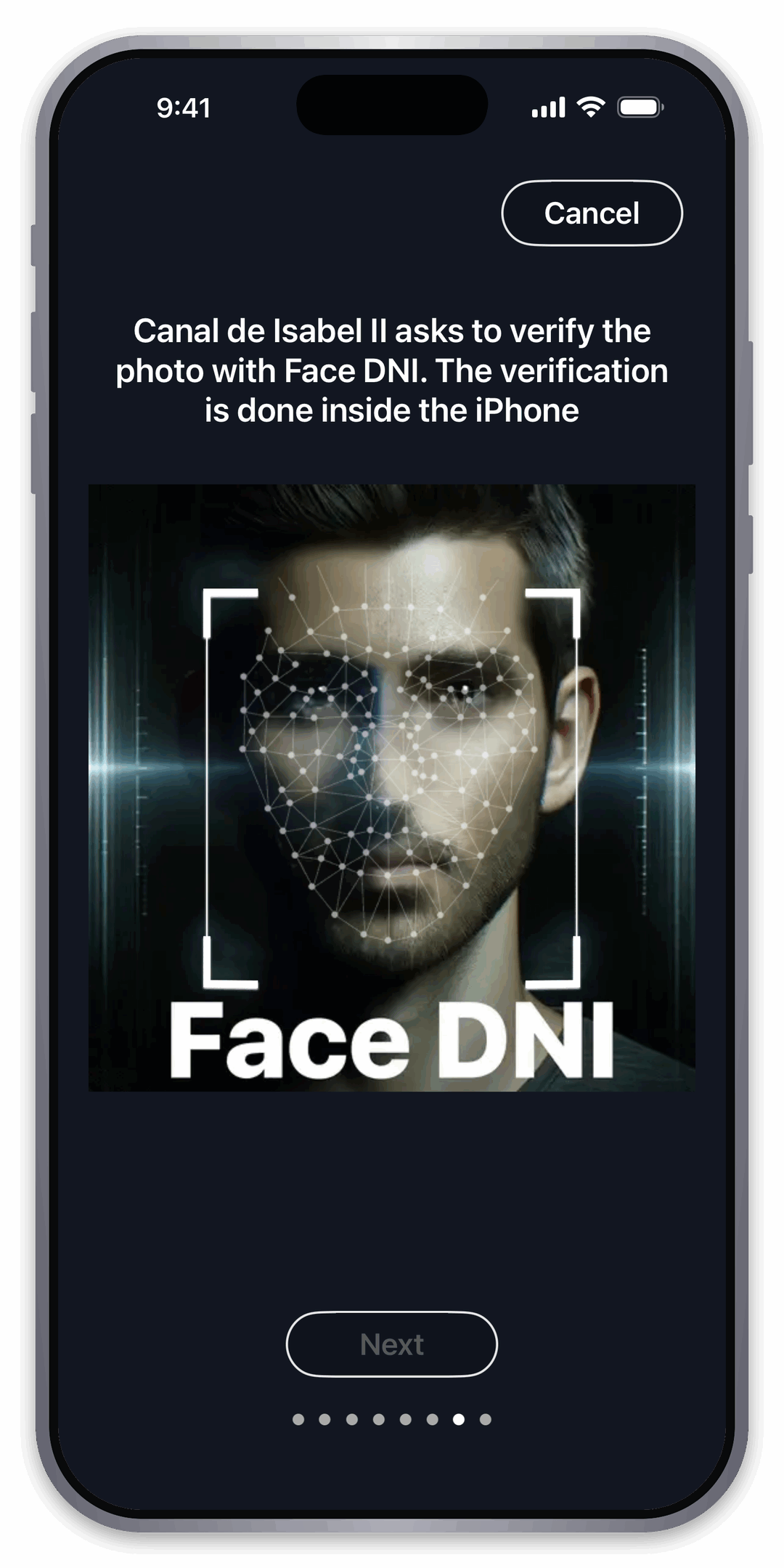
The facial verification is performed securely on your iPhone. Follow the on-screen instructions.
Once verified, the required identity data is sent securely to Canal de Isabel II to issue your access card.